JAVA + BEDROCK
Join Mineplay
Add the server using the steps for your edition. Java and Bedrock players play together.
MINECRAFT
Java Edition
- 01
Open Multiplayer
Launch Minecraft: Java Edition and select Multiplayer, then Add Server.
- 02
Add Mineplay
Choose a server name and paste this into Server Address.
- 03
Join the server
Save the server, select Mineplay from your list, and click Join Server.
MINECRAFT
Bedrock Edition
- 01
Open the Servers tab
Open Minecraft: Bedrock Edition, choose Play, then Servers and Add Server, where available.
- 02
Enter the server details
Name it Mineplay, use the address below, and set the port to 19132.
BEDROCK PORT19132 - 03
Save and join
Save the server and join Mineplay. If your device doesn’t show Add Server, ask the community on Discord for help with your platform.
Need help connecting?
Check supported game versions and server rules, or ask for help in our Discord.
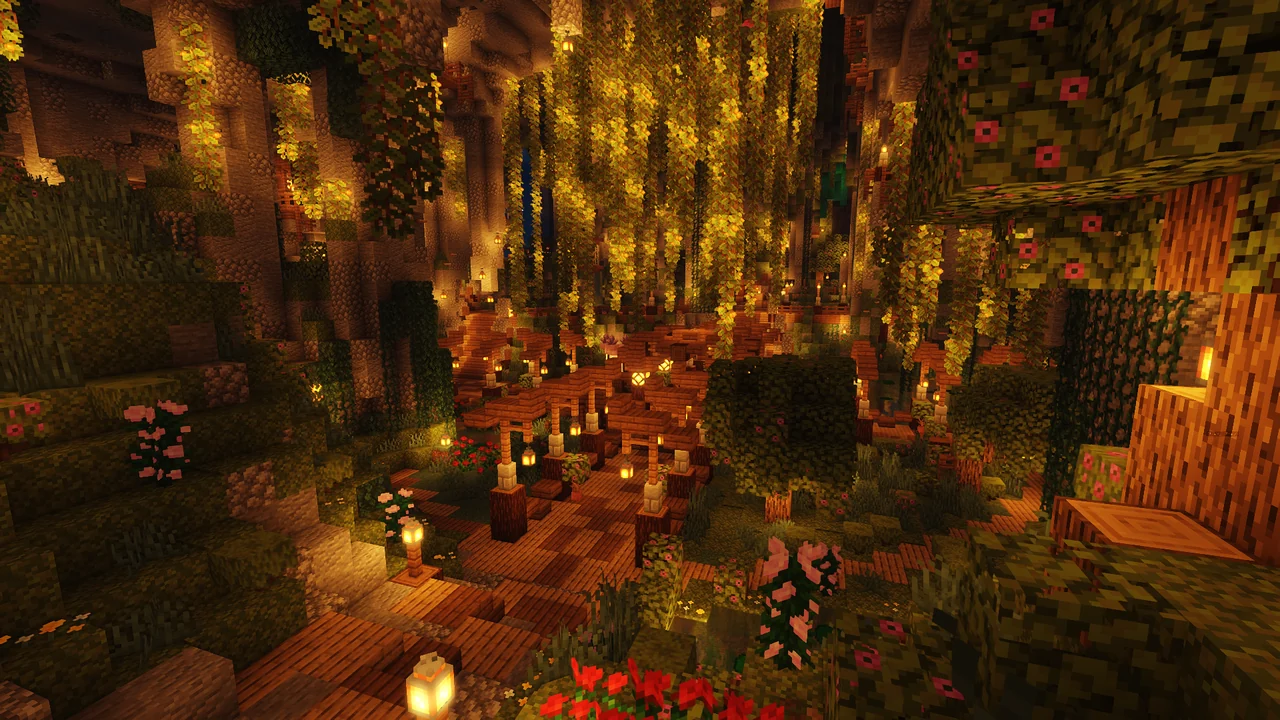 WORLD MAPGet your bearings on the world map.